







































BETON app — installing on Android and iOS
The BETON app is a mobile way to access the BETON casino and sportsbook from a smartphone or tablet. The operator reports having versions for Android and iOS. The mobile platform brings together the personal account, games, the sports line-up, account transactions and the promotions section. Specific features depend on the app version and the availability of services.
This independent review explains where to find the app, how the installation methods differ, what device requirements are stated and how to solve common technical problems. This material is not an operator page and contains no download links for gambling apps. Playing for money in Ukraine is permitted only for people aged 21 and over.
Contents
- Key features
- How to download on Android
- How to install on iPhone and iPad
- System requirements
- Logging in and signing up in the app
- Casino, sport and payments
- App or mobile site
- Problems and fixes
- Safety and responsible gaming
- Frequently asked questions
BETON mobile app: main features
What is available in the app
According to the operator’s description, the BETON app reproduces the main sections of the web platform and uses the same account. Users do not need to create a separate profile for their phone. The menu is adapted to a small screen, and navigation focuses on the game catalogue, sports events, the balance and settings.
| Feature | Description |
|---|---|
| Personal account | Login, profile verification, settings and transaction history |
| Casino | Slots, table games, live section where available |
| Sportsbook | Sports line-up, Prematch, Live and bet slip history |
| Account | Balance overview, deposits and withdrawal requests |
| Promotions | Viewing offers and their terms of use |
| Support | Available channels for contacting the operator |
Whether you can open a particular game, make a payment or place a sports bet depends on the technical state of the service, profile verification and the operator’s rules. The stated functional similarity to the web version does not mean that all screens and options are always identical.
How to download BETON on Android
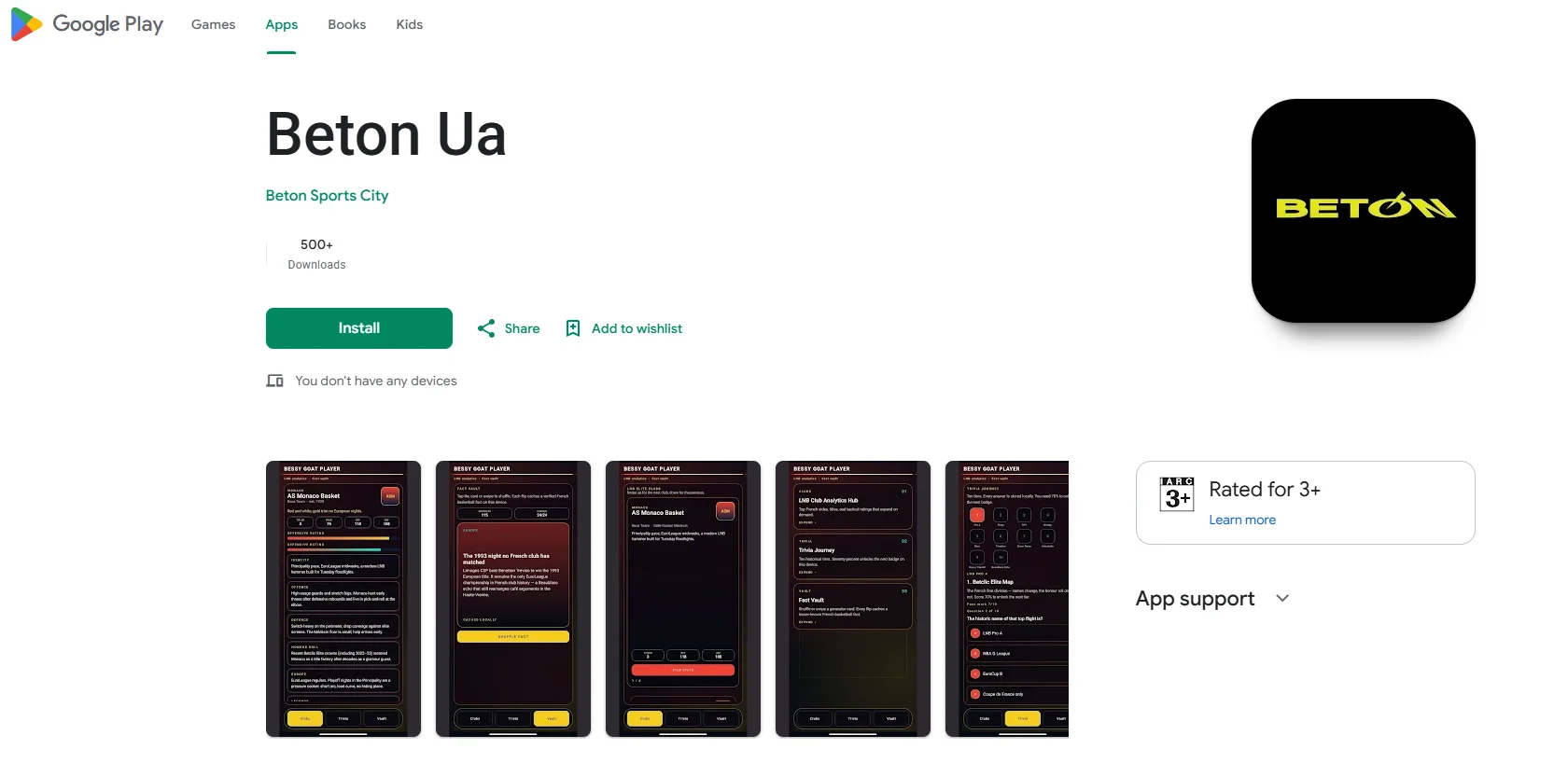
Where to find the installation APK
For Android, the operator describes a direct download of the APK file from its domain beton.ua. Links to the mobile app are placed at the bottom of the site and in the dedicated promotions section. In this material, the official address is given only as text for checking the source, without an active link.
- Check the spelling of the operator’s domain in the browser and open the mobile app section.
- Find the Android option and review the file name and the browser’s messages.
- Download the APK only after checking the source. Do not use copies from forums, adverts or third-party catalogues.
- Review the system permissions and Android’s messages before installing.
- After installation, launch the app and log in to your existing account.
Installing from an unknown source
Android may restrict installation from outside Google Play. The operator explains that an APK sometimes requires granting permission to a specific browser or file manager. This lowers one of the device’s security barriers: warnings about a dangerous file should not be automatically ignored. If the origin of the APK cannot be confirmed, it is safer to stop the installation and contact support.
For the BETON app on Android, it is also important to check future updates. According to the operator, a new APK version may need to be downloaded manually, so you should keep an eye on the official source and not install random files with similar names.
How to install BETON on iPhone and iPad
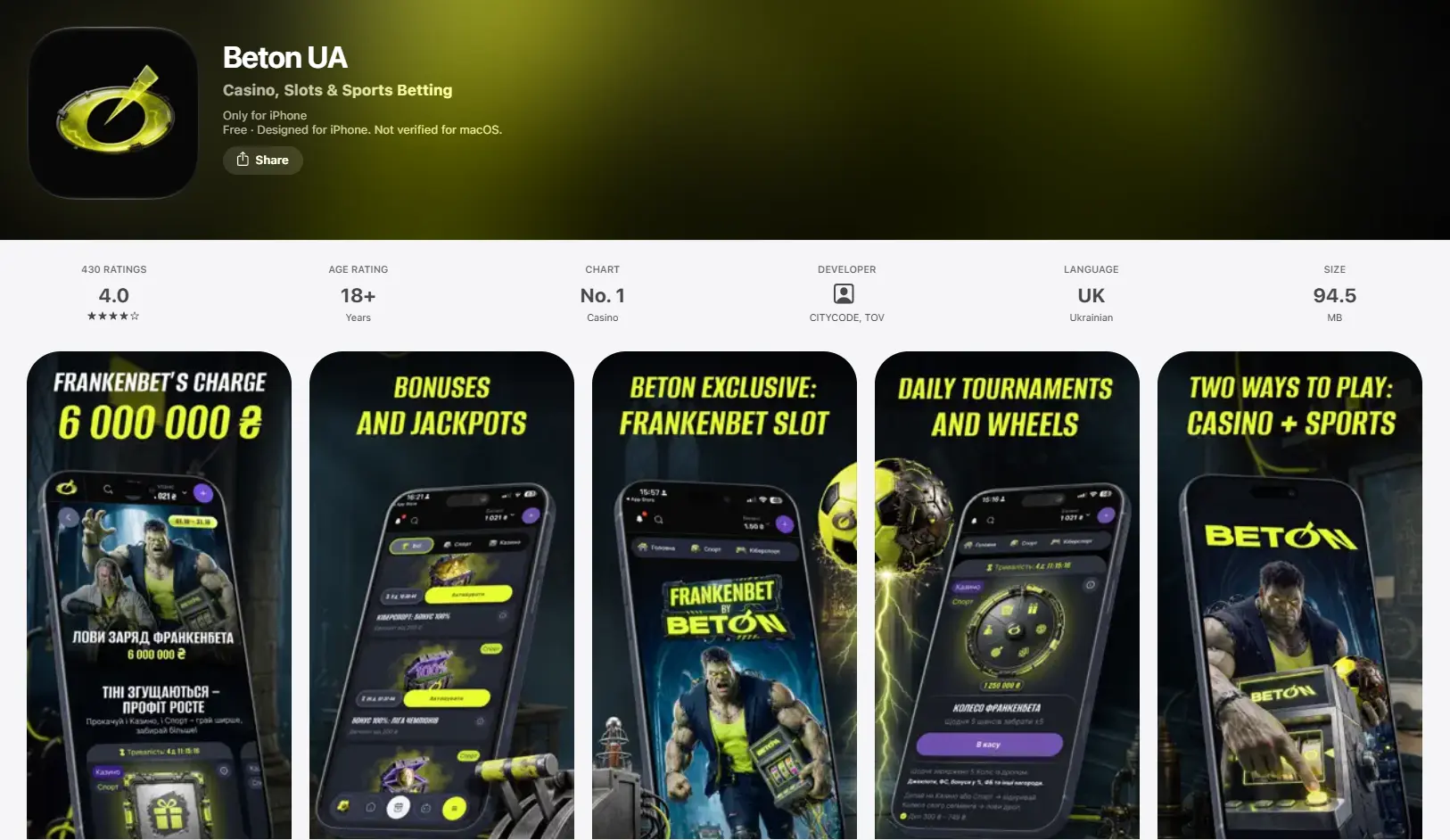
Finding the app in the App Store
For iOS, the operator specifies installation via the App Store. The information page gives the name BETON UA as the one to search for. The name, availability in the store and compatibility may change depending on the region and the current App Store rules.
- Open the App Store on your iPhone or iPad.
- Find BETON UA and look at the result’s listing.
- Compare the name, publisher and other app details with the operator’s information.
- Check the device requirements, permissions and privacy information.
- Install a compatible version and log in with your account credentials.
Why the app may not show up
If a search does not return the app you are looking for, that does not prove it no longer exists. The reasons may be regional restrictions, iOS version requirements, temporary unavailability or a name change. Do not substitute a similar logo for checking the publisher: copies may imitate the Beton Casino brand.
System requirements for the BETON app
OS versions, storage and updates
On the BETON mobile app page, the operator gives guideline figures of Android 8.0+ and iOS 12.0+, as well as roughly 100 MB of free space. These are the published minimum specifications, not a guarantee that every device will run smoothly: the file size, the requirements of a new release and the supported models may change.
| Parameter | Android | iOS |
|---|---|---|
| Described channel | APK from the operator’s domain | App Store |
| Stated minimum OS | 8.0+ | 12.0+ |
| Guideline free space | From 100 MB | About 100 MB |
| Updates | New APK version following the operator’s instructions | Via the app store |
| Connection | Wi-Fi or mobile internet | Wi-Fi or mobile internet |
For live games and video streams, a stable internet connection matters more than for browsing help pages. On mobile networks, data usage is worth bearing in mind. Full-screen mode, launch speed and the availability of individual sections depend on the device model.
Login and registration via the BETON app
Do you need a new account
If a profile has already been created in the web version, you log in to BETON with your existing details. Registration, contact confirmation and identity verification are tied to a single account. Creating a second profile instead of recovering access may breach the operator’s rules.
To take part in gambling, you must meet the age requirements and pass the required identity check. BETON’s materials mention the Diia and KYCAID tools. The detailed sequence of steps, password recovery and login problems are covered in the review BETON login and registration.
Personal account security
- Do not share your password, one-time codes or documents with third parties.
- Do not log in to your profile via suspicious messages or advertising copies of the page.
- Install system updates and protect your phone with a screen lock.
- Check your login and transaction history if this feature is available in your account.
Casino, sport and payments in mobile BETON
Game catalogue and sportsbook line-up
Mobile BETON Casino is stated to provide access to slots, table and live games. Betting rules, RTP, payment limits and bonus terms are determined by the specific game and the platform’s current rules. Categories, providers and demo mode features are described in the section on Beton Casino games.
The sportsbook covers sports events both before they start and during matches. The terms for Prematch, Live, odds, Cash Out and bet slip settlement are set out in more detail in the review BETON sports betting. Using a phone does not change the rules for accepting bets.
Balance, deposits and withdrawals
The app shows the account and the available payment actions. The actual set of methods, limits, tax deductions and payout times are determined by the operator; the mobile app interface does not override these requirements. Before requesting a withdrawal, check your verification status, available balance and the rules of any active bonuses.
BETON app or mobile version of the site
What the practical difference is
The mobile site opens in a browser and does not require an app to be installed. The BETON app launches from its own icon and may use system notification and session-saving features if these are implemented in the specific version. Installing it does not in itself guarantee faster performance, lower data usage or extra bonuses.
| Criterion | App | Mobile browser |
|---|---|---|
| Getting started | Installation required | Just open the site |
| Updates | Depends on the OS and download channel | Changes appear on the site without installation |
| Device storage | Takes up storage | No separate app needed |
| Main sections | Same as the web version, according to the operator | Available via the mobile interface |
If installation is not possible or there are doubts about the file’s source, the browser version remains an alternative. The choice of access method does not remove the age restrictions or the need for verification.
Problems with the BETON app and how to fix them
The app will not install or open
- Check OS compatibility and that there is free space.
- Restart the device and check that your internet connection is stable.
- Install any available system and app updates.
- If Android warns about a suspicious APK, do not bypass the protection until you have checked where it came from.
- If the problem persists, contact support with the device name, OS version and the error message.
Login, a game or a payment is not working
First, it is worth establishing whether the problem affects the whole service or just one feature. A login error may be related to incorrect details, the account status or verification. A game being unavailable sometimes originates on the provider’s side. For payments, what matters is the transaction status, the limits in place and checks by the bank. Paying again before the status of the previous transaction has been clarified may result in a duplicate request.
Safe use and responsible gambling
Download sources and data protection
A matching name or icon does not prove that an app belongs to the operator. For Android, check the domain the APK is distributed from; for iOS, check the app’s listing and publisher in the App Store. Third-party APKs and copies of login pages may create a risk of data loss.
Mobile access does not change the rules of responsible gambling. The limits, self-exclusion and access to help provided by the operator should remain available to the user. BETON Casino and sports betting are subject to a 21+ restriction.
Frequently asked questions about mobile BETON
Is there a BETON app for Android?
Yes, the operator describes an Android version in APK format. It is meant to be downloaded from the operator’s own domain, not from random third-party catalogues.
Where can I find Beton Casino for iPhone?
According to the operator, the iOS version is distributed via the App Store under the name BETON UA. Before installing, check the publisher and device compatibility.
Can I download BETON without Google Play?
The operator describes a direct APK download for Android. System security warnings should be assessed rather than switching off the phone’s protection automatically.
Does one account work in both the app and the browser?
Yes, the same profile is used for mobile login. There is no need to register again just because you have changed device.
Does mobile BETON Casino have slots and live games?
The operator states that the game catalogue is accessible. The availability of individual games and tables depends on the current list and technical availability.
Is sports betting available in the BETON app?
Yes, the mobile version covers the sportsbook section with Prematch and Live. The rules for settling sports bet slips remain the same across the platform.
How do I update the BETON app?
For Android, the operator describes getting a new APK version; for iOS, updating via the App Store. Before doing so, check the source and compatibility.
Do I have to install the app to play?
No, a mobile browser gives access to the web version without a separate installation. The age, legal and account requirements do not change as a result.
The information was checked against the operator’s published description of its mobile apps and its legal information as of 15 October 2026. This is independent information material. No download links are provided.